ANTI.BOT / TOOLS
AntiBotPCExplorer VM Detection and Hardware Fingerprinting
Know your hardware. Understand your device identity. Hardware fingerprints, platform security and virtualization diagnostics for Windows, by Vektor T13.
The Anti.Bot checker shows what a website can learn about you through the browser. AntiBotPCExplorer is its desktop counterpart: it shows how the computer itself looks from the inside. It brings hardware identifiers, firmware information, TPM evidence, Windows identity and platform security into one inspector, so you can explore the signals that identify a computer, examine virtualization evidence and compare reports before and after a system change.
One portable executable. Local diagnostics. Identifiers hidden by default.
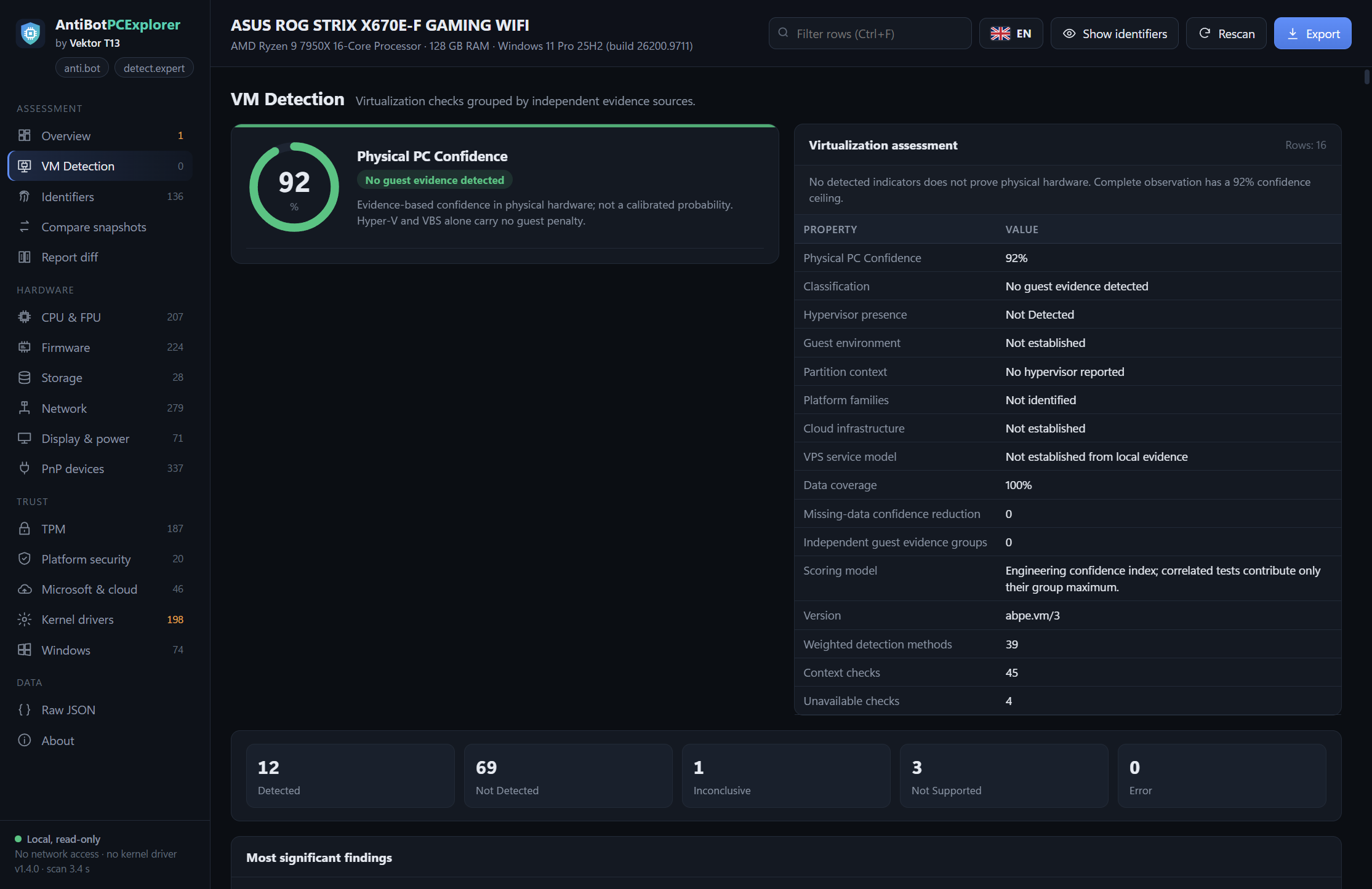
Virtualization at a glance
Version 1.4.0 adds a dedicated VM Detection page and a Physical PC Confidence score. Guest and cloud infrastructure evidence is organised into categories across CPU, firmware, devices, graphics and guest integration components. Every executed check shows its status, weight, score contribution and technical detail, next to a catalog of 100 methods and ten weak heuristics.
Related observations are grouped, so correlated firmware or device signals do not count the same evidence twice, and unavailable data lowers confidence instead of being ignored. Hyper-V or VBS running on a physical Windows host is handled separately from evidence of a guest VM.
What you can do
-
Explore device identity
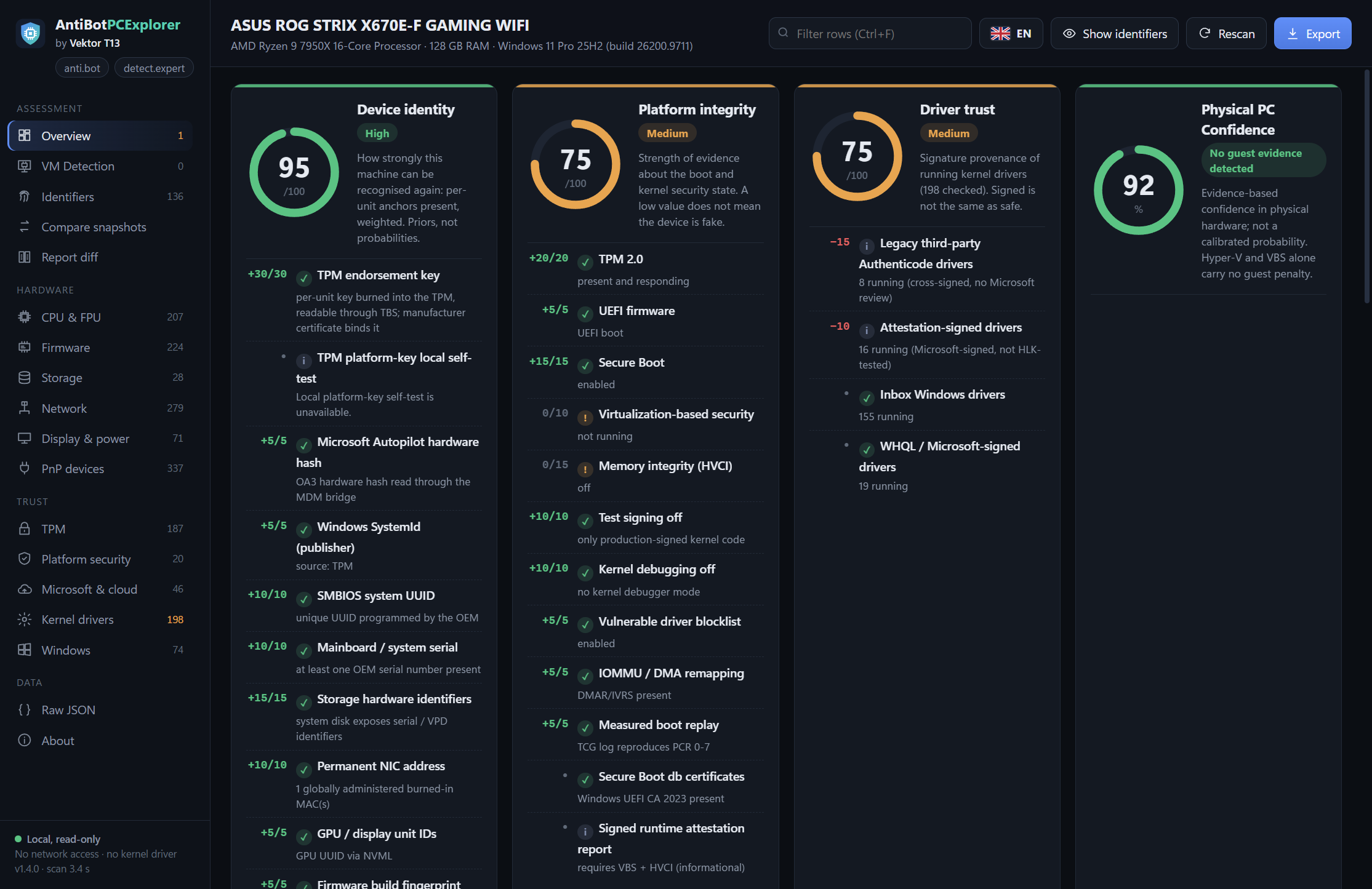
CPU and FPU profiles, firmware, storage, network adapters, displays, PnP devices and Windows identifiers in one place.
-
Inspect platform trust
TPM properties, Secure Boot, VBS/HVCI, boot evidence and kernel driver signature information.
-
Compare system snapshots
Identity cluster comparison, what-if scenarios and field-by-field report differences with volatile fields filtered out.
-
Keep diagnostics local
Offline collection, masked identifiers and privacy-safe JSON exports with HMAC tags instead of sensitive values.
Start in a minute
- Download AntiBotPCExplorer 1.4.0 for Windows x64.
- Save the
.exeto any folder and double-click it. There is no installer. - If the program reports that the runtime is missing, install Microsoft Edge WebView2 Runtime and start it again.
- Read the Overview, open a detailed section or export a report. The interface language is chosen in the flag menu (9 languages).
A standard Windows account is enough for everyday diagnostics. Run as administrator unlocks additional protected firmware and system information.
Requirements
| Operating system | Windows 10 or Windows 11 |
|---|---|
| Architecture | x64 (64-bit Intel / AMD) |
| Interface | Microsoft Edge WebView2 Runtime |
| Installation | Portable .exe; .NET is not required |
| Internet connection | Not required for diagnostics |
Verify the download
The file served here is the official 1.4.0 release, identical to the one on GitHub. Its SHA-256 is:
03083216fa1836e9ef9e887f1a0dff9424b19fc48edcc2983ddd07fdaeddf0ce
In PowerShell: Get-FileHash .\AntiBotPCExplorer-1.4.0-x64.exe -Algorithm SHA256
Documentation and support
- GitHub repository — documentation in English, Russian, Vietnamese and Traditional Chinese
- Feature guide
- Installation and updates
- Privacy and reports
- Описание на русском
- Questions and bug reports
AntiBotPCExplorer is proprietary, closed-source software. The official executable releases may be downloaded and used free of charge.